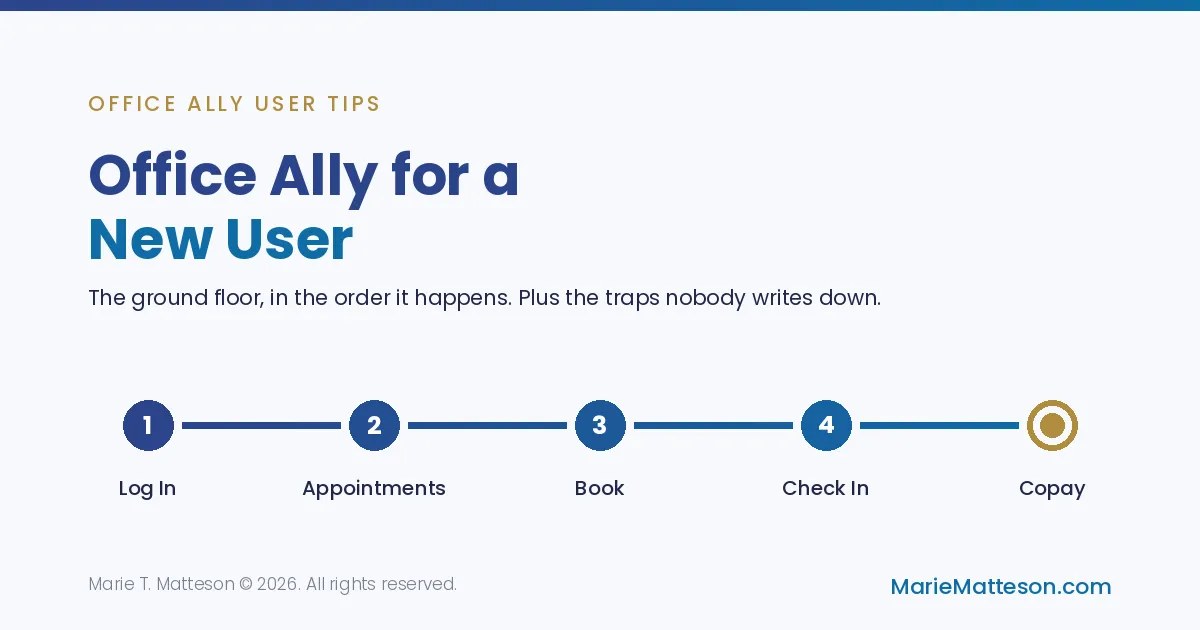
Office Ally for New Users: Your First Day at the Front Desk
Somebody handed you a login and walked away. That is how most people meet Office Ally.
This is the ground floor. Not the clever stuff, not the shortcuts. Just what actually happens between a patient calling and a patient sitting in the back, in the order it happens, with the parts that trip people up marked.
Go slowly. Everybody who is fast at this was slow at it first.
Your login is not really yours
Somebody assigned it to you, and that matters more than it sounds.
Whoever owns the practice has two logins. One of them is the Security administrator. That is the one that creates users and decides what each person can touch, whether that is Practice Mate only, or Practice Mate plus EHR 24/7 where the clinical records live.
So your username was chosen for you, usually first initial plus last name. Your password arrives by email and then you set your own.
If you forget it, Office Ally emails you a reset link. It used to be a form you filled out. With everything going on in cybersecurity they moved to email only, which is the right call. One warning: your new password cannot resemble roughly your last nine, so get creative early rather than fighting it at 8am.
If you work across several practices, do what I do: ask to have your own name appended to whatever username you are assigned. Otherwise every account looks identical in your password manager and you will log into the wrong one.
Set your landing page to Appointments
You can change what Office Ally opens to. If you are the person answering the telephone, open to Appointments, because that is where you will spend your day. Small thing, saves a click a hundred times a week.
Booking an appointment
You can add one from the appointments tab, but it is easier to click the actual time slot you want. Ask the patient what day and time works, and what they are being seen for.
Pick the slot, pull up the patient, choose the visit reason.
Visit reasons are colour coded, and that is set up in Manage Office. In the practice I am demonstrating, new evaluations are bright green, so a glance at the week tells you how many new patients are coming. If your account is not colour coded, that is a twenty minute job that pays you back every single day.
What the appointment asks for depends entirely on how the provider set the account up. Some want first name, last name, date of birth. Some want the reason. Some want the referring doctor. There is no universal answer, only your account's answer, so ask.
Save.
Checking a patient in, and the trap nobody warns you about
The patient walks in. You can check them in right from the appointment.
Here is the trap. Checking someone in creates a visit. If you check them in before their demographics and insurance are entered, you have just created a visit with nothing in it.
That is fixable. Go back into the visit, click the little pencil to edit, and hit update. It will pull in the information that exists now.
But you have to do it before anybody makes a claim. After that, you are unpicking something instead of filling something in.
So either enter the demographics first, or check them in and remember to go back. Either works. Forgetting is what does not work.
Taking the copay at check in
While they are standing in front of you is the moment. Not later, not on an invoice.
The visit screen shows their billing information. There may be no diagnosis yet, no charges yet, and that is fine, you can still record a payment.
Cash, check, credit, however your office records it. If the practice has no credit card integration, this is where reality shows up. One practice I work with keeps a Square QR code at the front desk. The patient scans, pays, and the receipt emails from Square, entirely outside Office Ally. The practitioner wants it recorded as cash on the Office Ally side, with a note.
That is not elegant. It works, everyone knows the rule, and the money is collected. Ask your practitioner what they want and then do that same thing every time. Consistency beats elegance in billing.
Adding a brand new patient
F9. Or patient list, add new patient. F9 is faster.
Required in most accounts: last name, first name, and male / female / unknown. That last one is required because it goes on the insurance form. Date of birth is mandatory in a lot of accounts too.
There are newer optional fields now for gender identity, sexual orientation, and preferred language.
Everything you type here goes straight onto the claim form. That is why the required fields are what they are. This screen is not really about the patient, it is about the HCFA.
The cell phone trap. If your office uses the reminder feature, the cell number has to go in the cell phone field. Not home phone, even if that is the only number they have and they use it as their primary. Reminder Mate pulls from the cell field and nowhere else. Put it in the wrong box and reminders silently do not send.
Emergency contact and next of kin go under secondary information.
The placeholder trick: some offices create a dummy patient, called miscellaneous or similar, to hold a slot while you gather real information. Useful when someone is on the phone and you need the appointment now.
Insurance cards, and becoming an expert at reading them
Take a copy. Front and back. Same for the driver's licence if your office wants it.
You will become an expert at insurance cards whether you want to or not. Look for a payer ID number. Many cards no longer have one, which is why front and back matters.
Subscriber ID comes straight off the card. Group number if there is one. Plan type, also off the card: preferred, PPO, gold, whatever it says.
Does it list a copay? Sometimes. If the card says $35 for an office visit, that is a conversation with your practitioner or biller about what you are permitted to collect, not a decision you make alone. Ask once, then do it the same way forever.
The visits counter almost nobody uses
If you know the plan allows twelve visits, put 12 in the number of visits authorized field.
It counts down. When you book an appointment, it shows the number of visits left.
It will not alert anybody. It just sits there being true. But a physical therapist glancing at the schedule sees "five visits left" and knows a report is due before it becomes a crisis. Same for Medicare dollar thresholds where coding has to change at a certain point.
You do not need an authorization number to use this field. Use it anyway.
Guarantors: why you sometimes enter two people
If the patient is a dependent, the guarantor has to exist in the system as their own patient record. A parent who has never set foot in the office still gets entered.
That feels wrong the first time. It is not an Office Ally quirk, it is an insurance one. The HCFA has a guarantor line and it needs somebody in it.
So: enter the parent, then the child as the dependent. Two records, one patient.
Documents live in two places and they do not talk
Practice Mate documents and EHR 24/7 documents are separate stores. Upload something to one and it does not appear in the other.
So decide, as an office, before you have a mess:
Practice Mate: the business stuff. Intake forms, insurance cards, financial agreements, ID.
EHR 24/7: the clinical stuff. Immunisation records, outside reports, anything medical.
If you only use Practice Mate, put everything there. The point is to pick a rule and hold it, because in a year you will be hunting.
Give each upload a real description. "Scan 3" helps nobody.
Notes that stay put
Patient data, scroll to the bottom, add note.
These are account wide and permanent. Not attached to a visit, so nobody has to go hunting through visit history to find them. Anyone on the account sees them.
That is where I put anything that will still be true in six months.
There is also a recent charts dropdown, which drops you back into the last chart you had open. Small shortcut, constant payoff.
The one I care about most
Patient data, then print patient demographics.
It prints date of birth, guarantor, and current insurance on one sheet.
I spent twenty years as an emergency medical technician. If somebody in your waiting room goes down and the ambulance is coming, hand the crew that sheet. Maybe the patient is alone. Maybe they are not conscious. Maybe nobody can tell the hospital who they are or what they are covered for.
That page answers all of it in about four seconds, at the exact moment when nobody has four seconds.
Check with your practitioner that it fits your office policy. Then know where the button is before you need it.
Blocking out the schedule
For vacation, Manage Office lets you book time out properly and the schedule fills with red X's you cannot book over. That is the correct way.
The scrappy way, when it is temporary: create a fake patient. Call it "holiday" or "do not book". Give it a fake date of birth and a gender, because those are required. Colour code it. Book it like an appointment and everybody can see what it means.
Recurring appointments are in the appointment screen. Max 240 minutes, then repeat, with a gap of however many days. Every Friday, twenty times, done. Every other day for three weeks, done.
It will not warn you about conflicts. Look ahead first. It will happily double book somebody and say nothing.
Holidays no longer auto populate. Office Ally used to pull in the standard six for the year. As far as I can tell that is gone, so put them in yourself once a year and be done.
The thing to actually take away
None of this is difficult. It is just undocumented.
Almost everything that makes Office Ally frustrating for a new user is a setup decision somebody made once and never wrote down. Which fields are required. Where documents go. How copays are recorded. What the colours mean.
Ask those questions in your first week instead of discovering them in your third month.
Watch the full walkthrough: Office Ally for a new user
If you are brand new to a front desk and want the whole job rather than the software, that is what the Medical Receptionist and Biller Course is for.
And if your account is set up in a way that is fighting you, start with 15 minutes. Free, and long enough for me to tell you whether it is you or the setup. It is usually the setup.
More on Office Ally and workflow consulting: mariematteson.com/officeally
Marie T. Matteson © 2026. All rights reserved.
Marie is an independent consultant. She is not compensated or an employee of office ally.


