
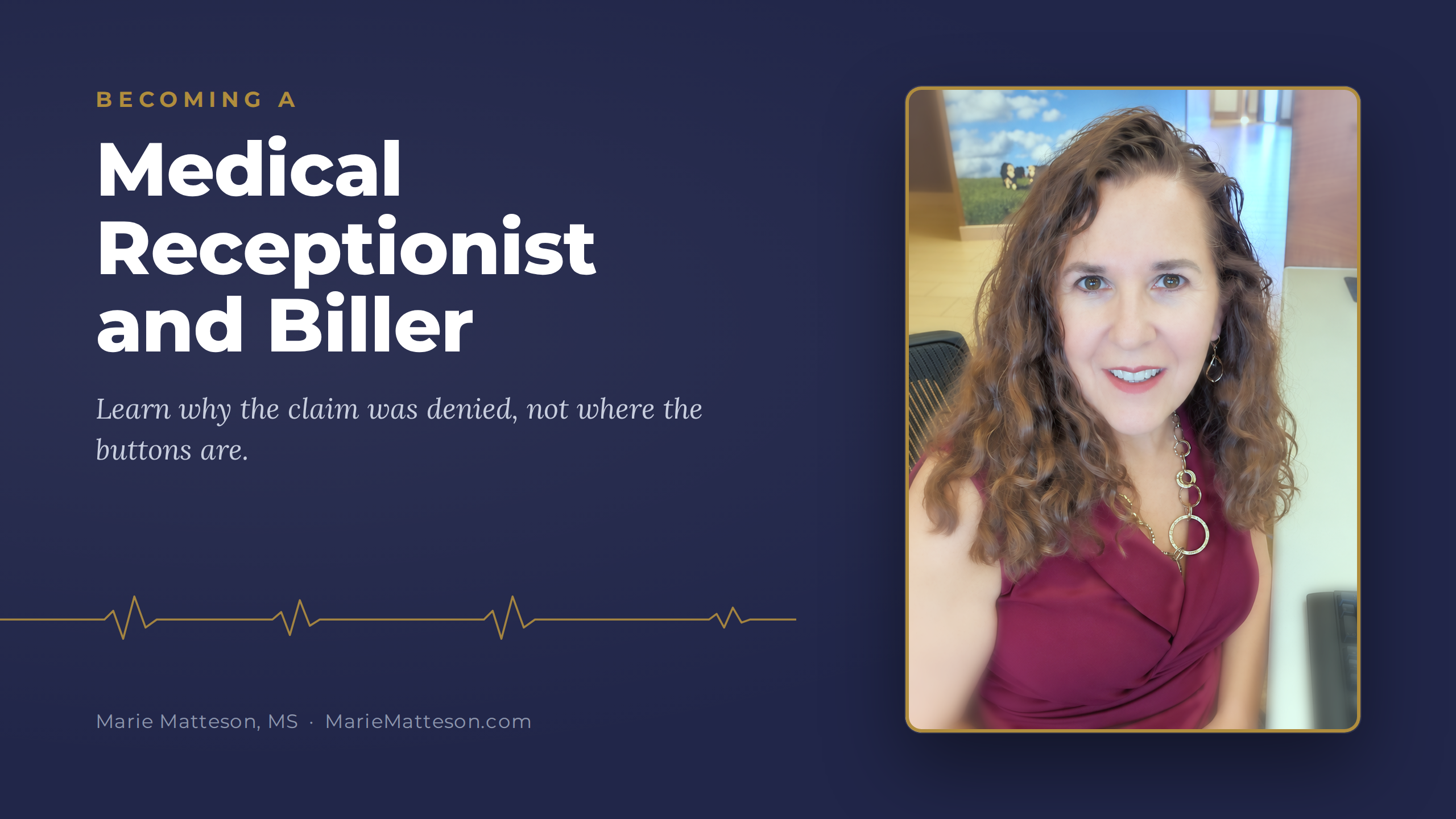
Becoming a Medical Receptionist and Biller, opens November 1
Know why the claim was denied.Then stop it happening again.
Seven modules on the part of billing no software can do for you: reading what the payer was ever going to pay for, and catching the denial before the claim goes out.

Does your billing have a pulse?
Your claim was not denied.It got ghosted.
Sent is not the same as accepted. A claim can bounce at the clearinghouse, sit in a payer queue waiting on one missing detail, or come back paid at a fraction of the charge, and nobody notices for sixty days.
This course teaches you to read the trail: what the clearinghouse said, what the payer did, what the remittance actually means, and what your next move is.
What the office says, and what it might mean
"We sent the claim."
It was submitted. That does not mean it was accepted.
"It is still pending."
Sometimes it is waiting for a correction, not a check.
"Insurance denied it."
Or it was rejected and never processed at all. The fix is different.
"The patient owes the rest."
Only if the remittance says so. A write off is never the patient's.
Can we see the claim status and the last action taken?
Buttons move. Vendors change.The reason the payer said no does not.
Most billing training shows you where the buttons are in one system. This course teaches the judgment underneath, and points you to your own vendor free training for the software layer. You finish knowing why a claim was denied, which is the part that travels with you to every system you ever work in.
And most denials are not created in billing at all. They are created at the front desk, at check in, weeks before anyone in billing sees the claim. That is where this course starts looking.
Follow the claim from the front desk to the bank.
The seven modules run in the same order a claim lives its life. Each one is a place a claim can go wrong, and each one teaches you what to look for there.
- 1
How the Software Works
The universal objects and where a claim gets stuck in each system.
- 2
The Front Desk Is the Billing Department
Where most denials are actually born.
No other course teaches this - 3
Eligibility and Benefits
Reading what comes back, and when to pick up the phone.
- 4
Building a Clean Claim
The CMS 1500 field by field, linkage, modifiers, timely filing.
- 5
Rejections, Denials and Appeals
Worked scenarios and a written appeal path.
- 6
Payments, Posting and AR
EOBs, ERAs, underpayments, secondaries and aging.
- 7
Compliance and Getting Hired
Working inside the rules, and a capstone to show an employer.
Bonus lesson: Billing Secondary Claims
When a second plan shares the bill. Reading what the primary decided, why the secondary goes out at the original charge, the line by line balancing rule, and the one field almost everyone leaves blank.
Same claim. Different next steps.
Three words people use like they mean the same thing. They do not, and mixing them up costs weeks. Tap each one for the short version. Module five teaches the long one.
The claim never made it through the door.
A rejection means the claim failed a check at the clearinghouse or the payer front end, usually for a detail like a member ID, a date or a missing field. It was never processed, so there is nothing to appeal. You correct it and send it again.
First move: read the rejection message, fix that exact detail, resubmit.
The payer looked at it and said no.
A denial means the claim was processed and paid at zero or less than billed. The reason codes on the remittance tell you why. Some denials need a corrected claim, some need an appeal, and some are simply right.
First move: read the reason code before you touch anything.
You are asking them to look again.
An appeal is a formal request for the payer to reconsider a denial, with your reasoning and supporting records. Every payer sets its own deadline and its own process, and a missed deadline usually ends the conversation.
First move: find the payer's appeal deadline and write it down.
Practice on a front desk that behaves like a real one.
The course comes with its own practice management desk for a pretend clinic. You book the patient, check them in, build the claim, read what the payer sends back, and post it line by line. When you get something wrong, it shows you exactly where, long before a real practice ever has to find out.

Run the front desk
Book, confirm, check in and check out for two doctors. Most denials are created right here, so this is where you start.

Build a clean claim
Check every claim against the card on file, the diagnosis pointers and the modifiers before it goes out. One wrong character in a member ID is all it takes.

Read the remittance
Remittances from seven invented payers: Medicare, Medicare Advantage, Medicaid, an HMO, commercial plans and a supplement. Every code on the page is explained, and you can open the raw electronic file too.

Post it line by line
The remittance on one side, the ledger on the other. Post the payment, the write offs and what the patient owes, and the balance tells you whether you got it right. There is even an autopost button, so you can see for yourself what it gets wrong.
Invented patients only. Every practice, payer, patient and dollar in the practice desk is made up, and nothing is ever sent anywhere. Your progress saves in your own browser.
What you get when you enroll
- Video lessons you work through at your own pace.
- Original worksheets, interactive practice pages, and a blank CMS 1500 to work on.
- Worked scenarios using fictitious patients, never real records.
- Live Q and A with me on Zoom, plus a private WhatsApp group, for 90 days from the day you enroll.
- A bonus lesson on billing secondary claims.
- A certificate of completion when you finish.
No deadline
Most students finish in eight to twelve weeks working two evenings a week. If life keeps you away during your 90 days, write to me and I will extend it.
Good questions before you enroll
Do I need billing experience?
No. The course starts with how practice software is put together and how the front desk feeds the claim. If you already work at a front desk or in billing, you will recognise a lot of it and finally see why it works the way it does.
Is this an Office Ally course?
No. It is independent training that works with whatever software your practice uses. I point you to your own vendor's free training for the button clicks, and I teach the judgment that does not change from one system to the next. It is not affiliated with or endorsed by any software vendor.
Is this a certification?
It issues a certificate of completion. It is not a national certification, not a credential, and not exam prep for AAPC or AHIMA. If you need a credential, those are the places to go, and I will tell you honestly if that is what you need.
Will it teach me to code?
No. The provider assigns the diagnosis and procedure codes. You learn what the rules allow, so you can see a denial coming before the claim goes out.
Is this United States billing?
Yes. It teaches United States medical billing: the CMS 1500, US payers and US claim rules. Live calls run on Pacific time, and payment is in US dollars.
Can I take it on my phone?
It is built for a desktop or laptop. Nobody posts a remittance on a phone, and the practice pages need room to work.
How long do I have?
There is no deadline to finish. Live Q and A and the WhatsApp group run for 90 days from the day you enroll, and if life keeps you away, write to me and I will extend it.
Learn the part of billing the software cannot do for you.
$497at launch, one payment
All seven modules, the bonus lesson on secondary claims, 90 days of live Q and A and the WhatsApp group, and a certificate of completion when you finish.
Join the waitlistEnrollment opens November 1, 2026. Join the waitlist and you will get the enrollment link before it goes public. Read the Course Terms of Use any time.
Join the waitlist
Name, email and phone. You will get the enrollment link the moment the doors open on November 1.
Becoming a Medical Receptionist and Biller
PRIVACY POLICY